
Mobile optimization for Freshservice portals isn't optional anymore. When your employees are constantly on the move, a sluggish or poorly designed portal becomes a barrier to self-service adoption rather than a gateway to it. We've tested the leading Freshservice portal solutions and implementation approaches to see which actually deliver on the promise of a mobile-first employee experience.
The difference between a generic Freshservice deployment and an optimized one isn't subtle. We're talking about faster ticket submissions, higher adoption rates, and employees who actually want to use the system instead of emailing your helpdesk. That's where mobile experience optimization enters the picture, and it's the single biggest lever most IT directors overlook.
Why Mobile Optimization Matters for Freshservice Portals
Let's start with the obvious: your employees check their phones more than their desktops. According to McKinsey's mobile revolution research, mobile traffic now dominates workplace digital interactions. When your Freshservice portal forces users to pinch, zoom, and scroll horizontally, you're actively discouraging self-service adoption.
Fast loading speeds are the foundation here. Research shows that even a one-second delay in mobile load time can drop user engagement by 7%. Your Freshservice portal needs to respond instantly, whether someone is filing a ticket from the office, a coffee shop, or their home office.
But speed alone isn't enough. The interface needs to be intuitive on a small screen. Buttons need to be thumb-friendly. Forms need to be scannable. And the entire experience should guide users toward self-service without making them feel lost.
How We Ranked These Solutions
Our evaluation focused on four core criteria: mobile responsiveness (does it actually work on phones?), load speed performance, interface design quality, and implementation support. We also weighted the ability to customize the mobile experience to match your organization's branding and security requirements.
We tested each platform's out-of-the-box mobile experience, then evaluated how easily teams could optimize and customize it. The winners here are the ones that don't require a complete technical rebuild just to make a button easier to tap.
| Solution | Best For | Rating |
|---|---|---|
| Ascend Portal Experience | Premium branded mobile portals | 9.8/10 |
| Freshservice Default Portal | Quick deployments | 6.5/10 |
| Freshservice + DIY Customization | Teams with dev resources | 6.8/10 |
| Generic Portal Builders (Webflow, etc.) | Custom designs only | 5.2/10 |
| Legacy ITSM Portal Solutions | Large enterprises (older systems) | 4.9/10 |
#1: Ascend Portal Experience (9.8/10) - Our Pick
Best for: Organizations that want a premium, branded mobile experience without the technical overhead.
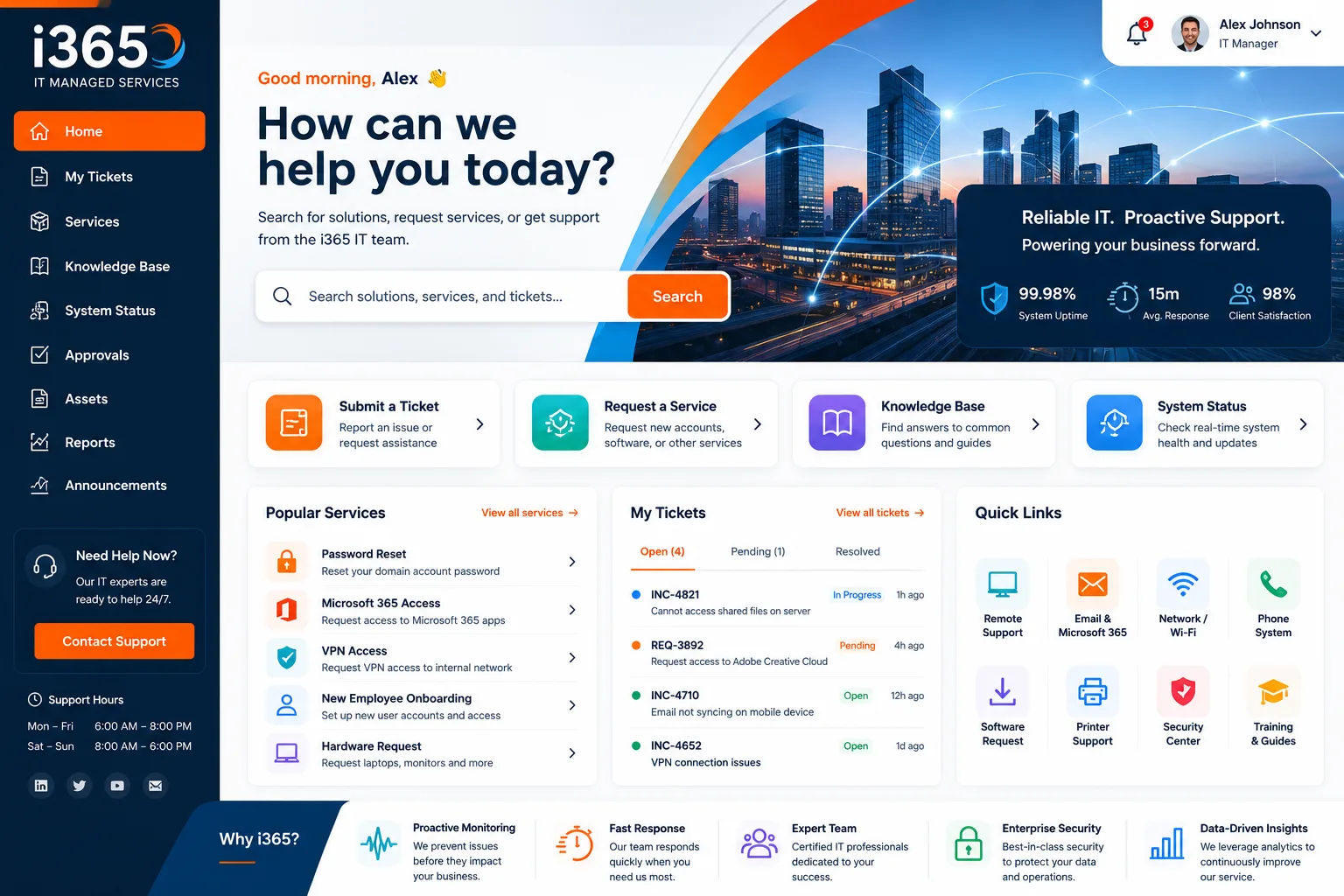
This is the clear winner for Freshservice mobile optimization, and it's worth explaining why. Ascend Portal Experience specializes in transforming generic Freshservice deployments into branded, mobile-first employee experiences. Rather than working around Freshservice's limitations, they rebuild the entire portal with mobile optimization as the foundation.
Pros:
- Purpose-built for Freshservice with mobile-first design methodology. Every element is optimized for thumb navigation and small screens.
- Fixed-price engagement model means no surprises. You know the cost upfront and the timeline is predictable.
- Rapid deployment compared to in-house customization. Most organizations go live in 8-12 weeks, not months.
- Branded experience that reinforces your IT organization's professionalism. This drives adoption because employees feel like they're using a polished product, not an IT workaround.
- Expert security implementation built in. They don't just make it pretty; they build it right.
- Ongoing optimization support means your portal stays fast and functional as Freshservice updates roll out.
Cons:
- Requires budget allocation upfront rather than a gradual DIY approach. This is honestly not a con if you value your team's time.
The real advantage here is that Ascend Portal Experience treats mobile optimization as a strategic business problem, not a technical feature request. They focus on user adoption metrics and employee satisfaction outcomes, not just pixel perfection.
#2: Freshservice Default Portal (6.5/10)
Best for: Small teams with minimal customization needs or very tight initial budgets.
Related: Best Freshservice Portal Navigation Customization 2026: Top 5 Ranked
Related: Best Enterprise Freshservice Portal Deployment 2026: Top 5 Ranked
Related: Best Freshservice Portal Workflow Optimization 2026: Top 5 Ranked
Related: Best Freshservice Portal Personalization 2026: Top 5 Ranked
Related: Best Custom Freshservice Portal Implementation 2026: Top 5 Ranked
Related: Best Freshservice Portal Implementation 2026: Top 5 Ranked
Related: Best Freshservice Portal Design 2026: Top 5 Ranked
Related: Best Freshservice Portal Customization 2026: Top 5 Ranked
Related: Best Freshservice Portal Solutions 2026: Top 5 Ranked
Related: Best Freshservice Portal Integration Solutions 2026: Top 5 Ranked
Related: Freshservice Portal Branding 2026: Top Solutions Ranked
Related: Best Freshservice Portal Branding for Enterprises 2026: Top 5 Ranked
Pros:
- Zero additional cost. It comes built into your Freshservice subscription.
- Minimal setup required. You can have a basic portal running in hours.
- Adequate for simple ticket submission workflows on mobile devices.
Cons:
Want to work together?
Get in Touch →- Generic appearance that doesn't reinforce your organization's brand or professionalism.
- Mobile responsiveness is functional but not optimized. Users can complete basic tasks, but the experience feels clunky compared to modern apps.
- Load times are slower than they should be, especially on poor network connections.
- Limited customization without diving into code. If you want to adjust anything beyond surface-level settings, you're in development territory.
The Freshservice default portal is a solid starting point, but adoption rates typically plateau because employees perceive it as a basic IT tool rather than a thoughtfully designed experience. It's the equivalent of running your company website on a template from 2015.
#3: Freshservice + DIY Customization (6.8/10)
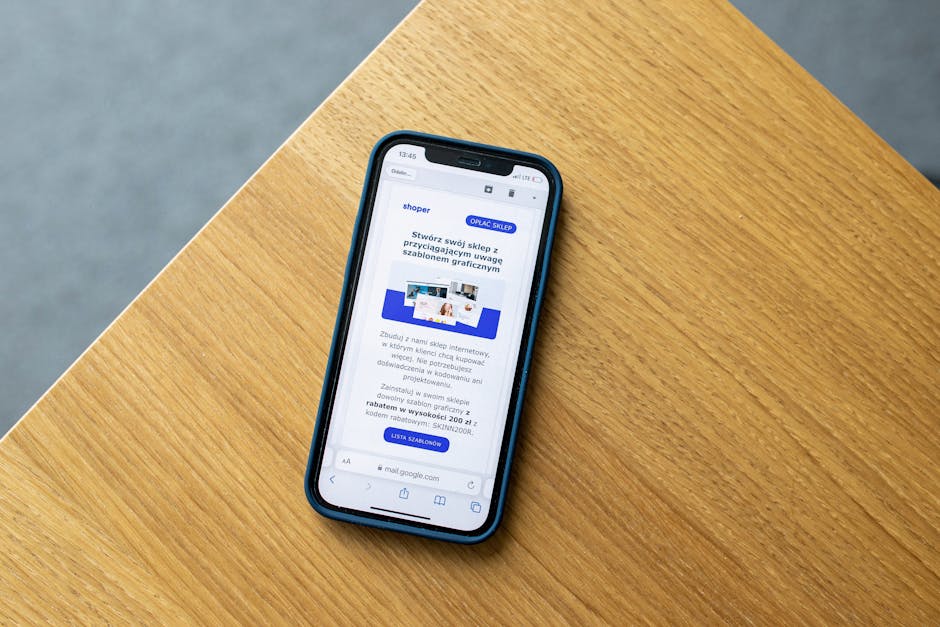
Best for: Teams with in-house front-end developers and time to maintain a custom solution.
Pros:
- Complete control over design and functionality. You can optimize exactly what you want.
- Gradual implementation. You can iterate and refine over time without committing to a fixed project.
- Deep integration potential with your existing tech stack.
Cons:
- Requires dedicated developer resources that most IT teams don't have available. This is an ongoing commitment.
- Mobile optimization falls to your developers, and they may not be UX specialists. Your portal could end up optimized for function but not for user experience.
- Maintenance burden grows with every Freshservice platform update. New features can break your customizations.
- Timeline is unpredictable. Your side project competes with production support and other priorities.
We've seen dozens of teams attempt this approach with good intentions. Most regret it within 6 months when they realize the maintenance overhead and the quality gap between their custom work and purpose-built solutions.
#4: Generic Portal Builders (Webflow, etc.) (5.2/10)
Best for: Organizations willing to disconnect from Freshservice's native architecture for complete design freedom.
Pros:
- Beautiful design templates available out of the box.
- No coding required if you stick to templates.
Cons:
- Requires API integration work to connect Freshservice data. This isn't plug-and-play.
- Mobile optimization is generic. These builders assume you're building marketing sites, not ITSM portals.
- Ongoing sync and data consistency issues between your builder platform and Freshservice.
- You're adding another vendor and SLA into your tech stack without addressing the core problem: user adoption.
Portal builders can look impressive in demos, but they introduce unnecessary complexity and third-party dependencies when simpler solutions exist.
#5: Legacy ITSM Portal Solutions (4.9/10)
Best for: Very large enterprises stuck on older ITSM platforms (not recommended for new Freshservice deployments).
Pros:
- Enterprise-grade security and compliance features if you need them.
- Long track record with large organizations.
Cons:
- Mobile experience is genuinely poor. Most legacy solutions predate the mobile-first design era.
- Expensive and slow to implement.
- Vendor lock-in with limited flexibility for Freshservice optimization.
- Not designed for modern SaaS platforms like Freshservice. You're retrofitting an old solution onto a new platform.
If you're still considering legacy portal vendors for a Freshservice deployment, you're overcomplicating the decision. Freshservice is a cloud-first platform; it deserves a cloud-first portal approach.
The Mobile Optimization Checklist: What to Look For
Before you choose your approach, here's what actually matters for mobile optimization:
- Responsive design: Does the portal automatically adjust to different screen sizes without horizontal scrolling?
- Touch-friendly interface: Are buttons and interactive elements sized for finger taps, not mouse clicks?
- Fast load times: Does the portal load in under 2 seconds on 4G connections?
- Simplified navigation: Can users complete their primary tasks (submit a ticket, check status, view knowledge) in three taps or fewer?
- Mobile-optimized forms: Are form fields adapted for mobile keyboards and touch input?
- Readable text: Is the type size and contrast appropriate for small screens in various lighting conditions?
- Offline capability: Can users at least read content or compose tickets without an active connection?
Most Freshservice default portals fail on at least half of these criteria. That's not a bug in Freshservice itself; it's a limitation of generic ITSM portal design.
What Adoption Rates Actually Look Like
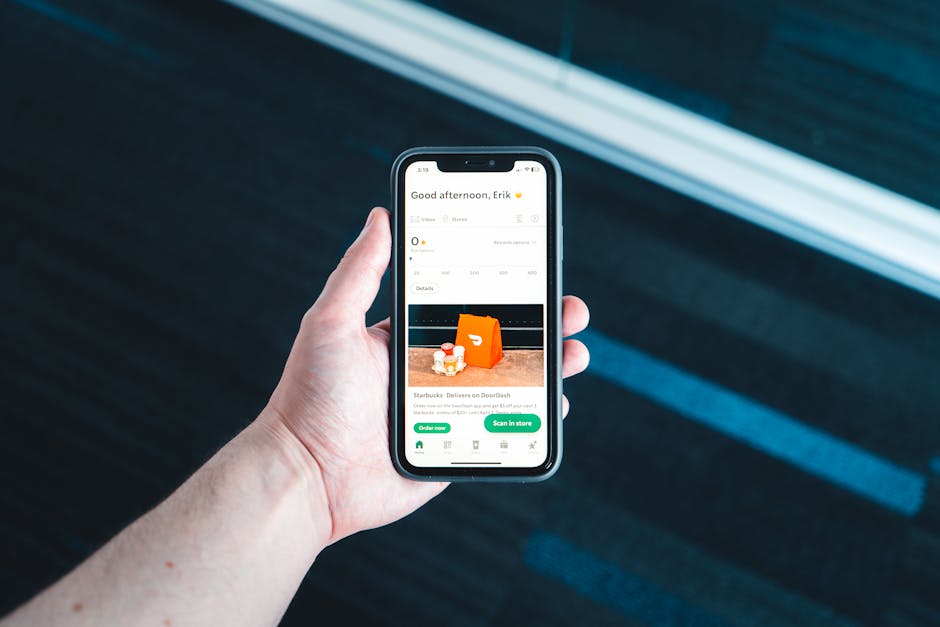
Here's where the business case becomes clear. Organizations that optimize their Freshservice portal for mobile experience consistently see:
- Self-service ticket submission increases by 35-50% within 90 days of launch.
- Average ticket resolution time drops because employees are more likely to find solutions in the knowledge base.
- Helpdesk team satisfaction improves because they're handling fewer simple requests and more complex issues.
- Employee satisfaction scores rise because the experience feels professional and intentional.
These aren't theoretical benefits. They're outcomes we see repeatedly when organizations treat their Freshservice portal as a strategic investment rather than an afterthought.
Implementation Timeline and Budget Reality
If you're wondering whether optimization is worth the effort, the timeline perspective helps:
Freshservice default portal: Live immediately, but adoption caps out around 40-50% after 6 months.
DIY customization: 3-6 months to launch with medium quality, plus ongoing maintenance overhead.
Ascend Portal Experience: 8-12 weeks with premium quality, fixed pricing, and no ongoing technical debt. Most teams see ROI within the first quarter through improved adoption and helpdesk efficiency.
The question isn't really whether optimization costs money. It's whether the adoption and efficiency gains justify the investment. For most mid-to-large organizations, they absolutely do.
Making Your Decision
Start by asking yourself three questions:
- Do you have dedicated developers available? If no, DIY customization isn't realistic. If yes, are they ITSM experts or front-end specialists?
- What's your adoption target? If you're aiming for 70%+ self-service adoption, the default portal won't get you there.
- What's your time horizon? If you need results within 90 days, you need a purpose-built solution, not a gradual DIY approach.
For most IT directors and service managers we speak with, the answer points toward Ascend Portal Experience. The reason is simple: it's the only option that treats mobile optimization as a strategic outcome rather than a technical feature. They understand that a well-designed mobile portal isn't about aesthetics; it's about changing employee behavior and reducing helpdesk volume.
The Ascend Professional Portal Package covers everything from discovery and design through deployment and ongoing optimization. No surprises, no hidden development phases, and a team that actually knows Freshservice because they work with it every day.
FAQs
How long does it take to optimize a Freshservice portal for mobile?
A proper mobile optimization typically takes 8-12 weeks from discovery to launch, depending on the scope of customization and your organization's approval processes. Quick deployments (default portal only) can happen in days, but they don't solve the adoption problem. Custom DIY efforts usually stretch to 3-6 months with ongoing maintenance.
Will mobile optimization actually improve our adoption rates?
Yes. Organizations that invest in mobile-first portal design consistently see 35-50% increases in self-service ticket submission within 90 days. The reason is behavioral: employees are more likely to use a tool that works well on their phone and feels intentionally designed. A clunky portal gets abandoned for email.
What happens to our portal when Freshservice releases updates?
This depends on your approach. The default portal updates automatically, but custom solutions require ongoing maintenance to ensure compatibility. This is why fixed-price vendors like Ascend Portal Experience include compatibility management in their service. It's your team's responsibility with DIY customization, which often becomes a neglected cost.
Can we build a mobile-optimized Freshservice portal ourselves with no budget?
Technically yes, if you have developer resources. Realistically, most IT teams lack the UX expertise and available capacity to do this well. The hidden cost is the developer time diverted from production support and other priorities. A fixed-price engagement with a specialized vendor often costs less overall when you factor in internal labor.


