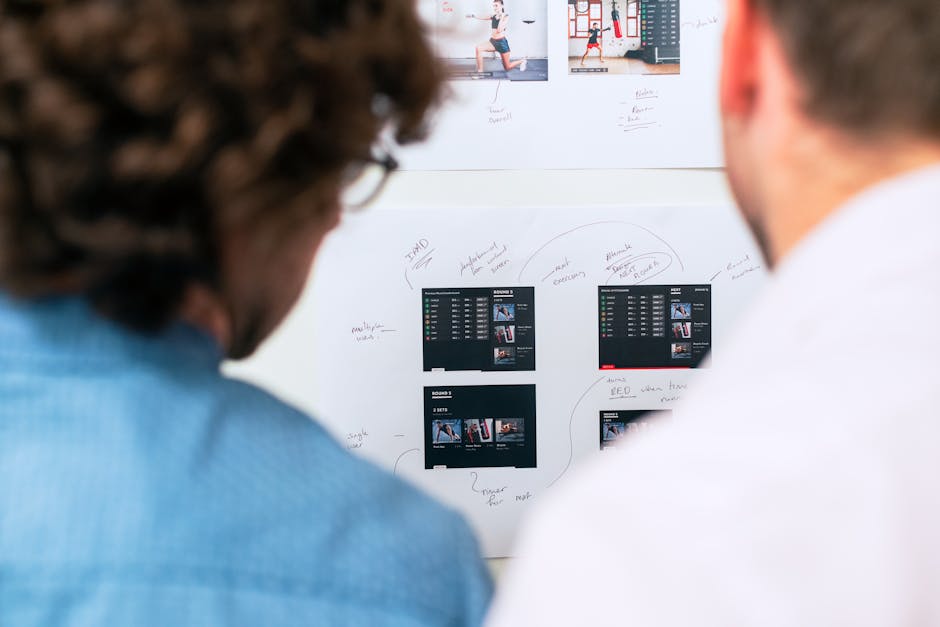
Your IT team's portal is either a gateway to productivity or a source of daily frustration. The difference comes down to one thing: user experience design that actually considers how IT teams work.
Portal user experience design for IT teams isn't about making things look pretty. It's about creating an interface that reduces friction, speeds up ticket submission, and makes employees actually want to use your self-service options instead of calling the helpdesk. When you get this right, your IT team saves time, employees get faster resolutions, and everyone's happier.
Let's walk through what makes portal UX work for IT teams and how to implement it in your organization.
Related: Employee Self-Service Portal Transformation: A Complete Guide
Related: Best Employee Self Service Portal Design & UX Guide 2026
Related: Freshservice Portal Accessibility Features: Complete Guide
Related: Employee Experience Through Portal Design: A Guide
Related: IT Service Management Portal Redesign: Complete Strategy Guide
Related: Employee Portal Interface Improvements: A Complete Guide
Understand Your IT Team's Actual Workflows
Before you design anything, you need to know what your IT team deals with every single day. Talk to them directly. Watch how they currently handle requests, manage tickets, and collaborate with other teams.
Your portal needs to map to their real workflows, not to some generic IT process you found online. If your support team spends half their day fielding password resets, your portal design should make that request dead simple. If you're handling software provisioning requests from multiple departments, the form flow needs to account for those department-specific variations.
Related: Freshservice Portal Design Best Practices: 2026 Guide
Related: Best Service Portal for Freshservice: Premium Employee Experience Design
This is where most portals fail. Organizations design a portal based on what they think IT teams need, then launch it only to discover employees use it for 10% of their issues and call the helpdesk for the rest.
Related: Best Employee Helpdesk Portal User Experience in 2026
Prioritize Accessibility and Responsive Design
Your IT team portal needs to work everywhere your employees work. That means mobile-friendly design isn't optional. Your employees submit tickets from their desks, their phones during meetings, and from home offices.
Accessibility standards should be baked into your portal from day one, not bolted on later. This means:
- Clear keyboard navigation so users don't have to rely on a mouse
- Proper color contrast that works for people with vision differences
- Descriptive labels and error messages that actually tell users what went wrong
- Support for screen readers if employees use assistive technology
According to the Web Accessibility Initiative, building accessibility into your design process from the start costs less and works better than retrofitting it later. When your portal is accessible, it's also more intuitive for everyone.
Design for Self-Service That Actually Works
Self-service sounds great on paper. But if your portal makes it harder to submit a request than to call the helpdesk, nobody's using it.
Your portal should reduce friction at every step. That means:
- Pre-populated fields based on who's logged in (their department, manager, cost center)
- Smart forms that show only the fields employees actually need
- Clear categorization so users find the right request type without guessing
- Status tracking so employees can see where their request stands instead of calling to check
When you're designing portal user experience for IT teams, think about the employee's perspective first. They're not IT professionals. They just want their issue resolved quickly. Your portal should reflect that.
Build in Clear Conversion Optimization

B2B portal design means balancing two goals: attracting users to the portal and converting them into successful self-service completions.
Track what's working and what's not. If 80% of users start a password reset request but 30% abandon it halfway through, that's a design problem. Look at your form length, field labels, and error handling. Small changes often have huge impact.
You should also monitor ticket abandonment rates. If users are submitting incomplete or vague requests, your form design is probably missing context fields or clear instructions. Ascend Portal Experience has worked through these exact conversion challenges with dozens of enterprise teams, and the wins come from testing and iterating on the details that matter.
Want to work together?
Get in Touch →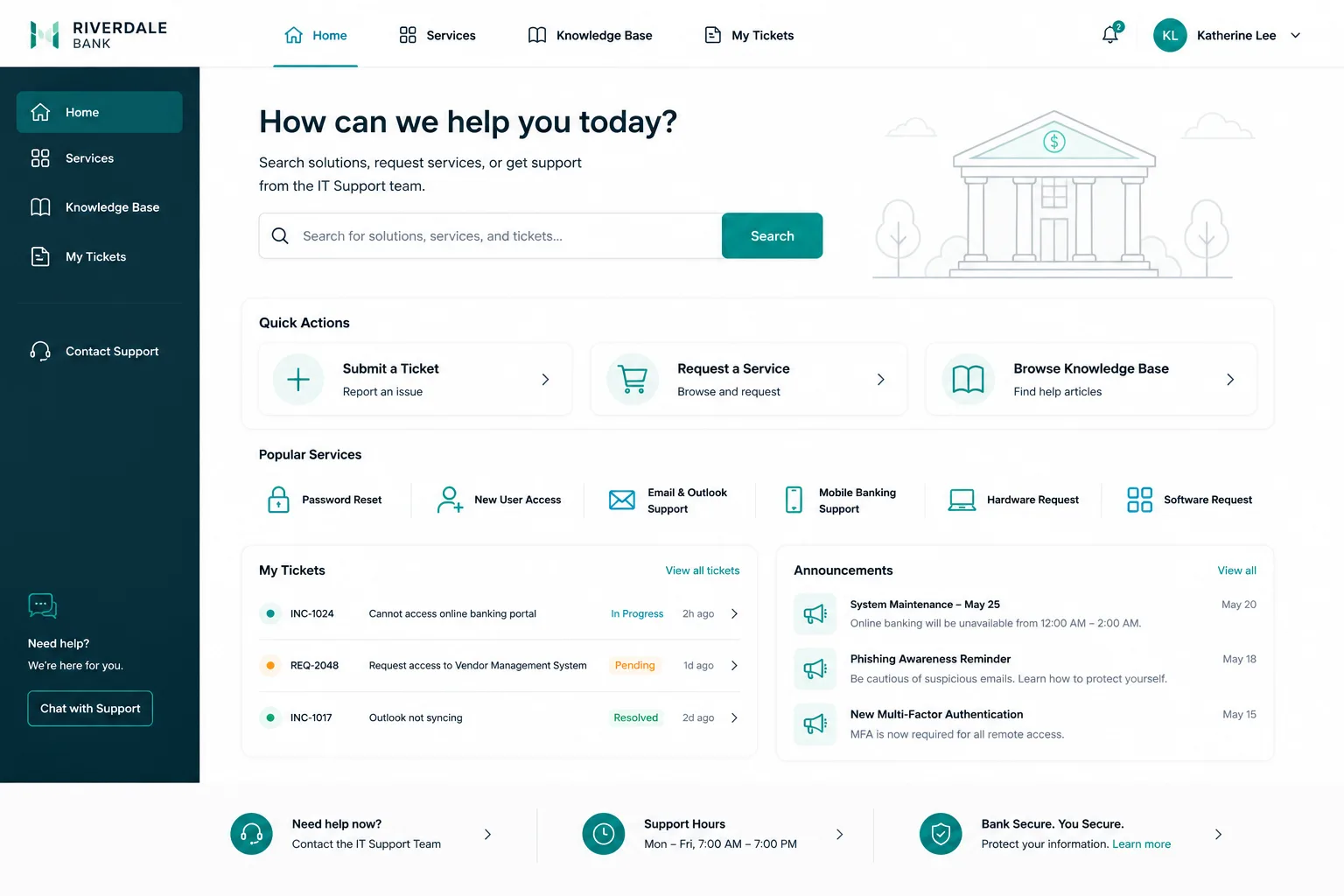
Create a Branded Experience That Reflects Your Organization
A generic, out-of-the-box portal tells employees your IT team doesn't care about their experience. A branded, thoughtfully designed portal sends the opposite message.
Your portal should reflect your organization's identity. That doesn't mean flashy graphics. It means:
- Consistent visual design that matches your internal standards
- Messaging that sounds like your organization, not a software vendor
- Logos, colors, and typography that employees recognize
- Help content written in plain language, not IT jargon
When your IT support portal feels like part of your organization instead of a bolt-on tool, adoption rates climb. Employees trust it more and use it more confidently.
Implement Proper IT Team Collaboration Features
Your IT team doesn't work in isolation. Your portal design needs to support how team members actually collaborate with each other.
This means:
- Internal notes that technicians can see but employees can't
- Assignment workflows that route tickets to the right people
- Escalation paths for urgent issues
- Knowledge base integration so common issues point to solutions instead of creating tickets
Portal design for IT teams has to account for both the employee experience and the backend support workflow. When you ignore the IT team's needs, your portal becomes a ticket collection system instead of a problem-solving platform.
Test with Real Users Before Launch
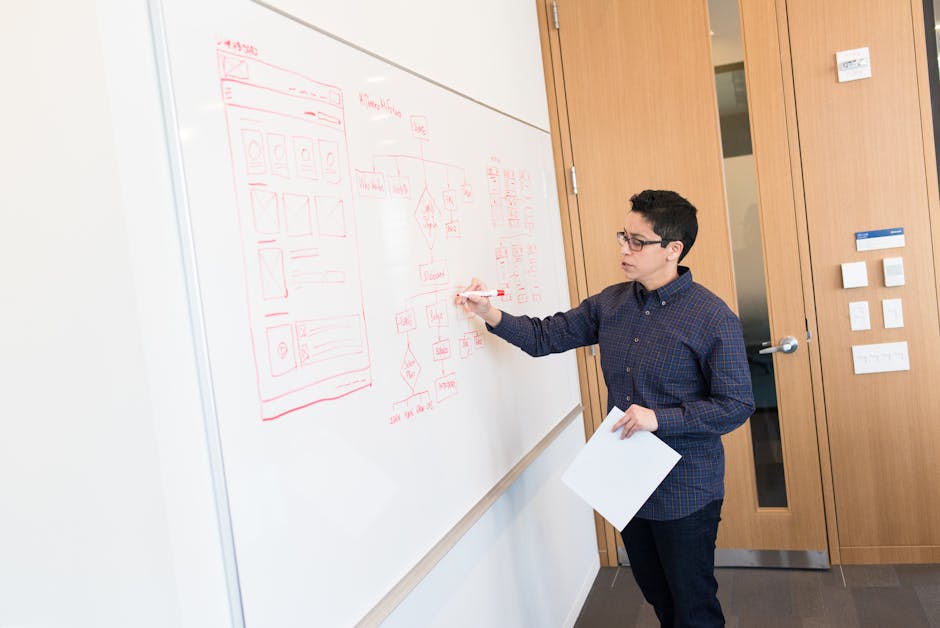
Don't launch your portal to thousands of employees without testing it first. Run usability tests with actual IT team members and a sample of your employee base.
Ask them to complete real tasks. "Submit a password reset request." "Check the status of a previous ticket." "Find the answer to a common IT question." Watch where they struggle. Listen to what confuses them.
This is where design theory meets real-world truth. Something that makes sense to you might be completely unclear to your users. User testing catches those gaps before they damage adoption rates.
Measure Portal Performance and Keep Iterating
Launch your portal, but don't consider it done. The best portals are the ones that improve based on real usage data.
Track metrics like:
- Self-service completion rates (what percentage of requests get submitted completely)
- First-contact resolution (how many issues get solved without further back-and-forth)
- User satisfaction scores
- Time to submit a request
- Portal adoption rates across departments
Every quarter, look at this data and identify one thing to improve. Maybe your knowledge base articles aren't helping. Maybe your categorization is still confusing. Maybe mobile users are abandoning forms at a specific field.
When you're designing portal user experience for IT teams, remember that design is never finished. It's a continuous conversation between your team and your users. If you're looking to transform your organization's IT portal, Ascend Portal Experience specializes in exactly this kind of tailored, strategic portal transformation.
Common Portal UX Mistakes to Avoid
Your IT team's portal is failing if:
- Employees still prefer calling the helpdesk to using the portal
- Your IT team spends more time managing incomplete tickets than helping users
- Mobile users abandon requests before submitting
- Users can't find what they're looking for without asking support staff
- The portal feels disconnected from your organization's culture or brand
These aren't technology problems. They're design problems. And design problems get solved by understanding users, testing assumptions, and iterating based on feedback.
Why Portal Design Matters More Than You Think
Your IT portal is often the only interface between your IT team and hundreds or thousands of employees. When it works, it reduces support tickets, improves employee satisfaction, and frees your IT team to focus on strategic work instead of repetitive requests.
When it doesn't work, every employee interaction becomes harder. Your support volume stays high. User frustration grows. And your IT team burns out handling preventable issues.
Portal user experience design for IT teams is an investment in your organization's efficiency and your employees' daily experience. Ascend Portal Experience has helped enterprise organizations transform generic IT portals into branded, user-friendly platforms that employees actually use. If your current portal feels like a Band-Aid solution, that's worth reconsidering.
Getting Started With Your Portal Redesign
Start with your IT team. Schedule time to understand their workflows, frustrations, and what would actually help them serve employees better.
Then talk to employees. Ask them what makes your current portal hard to use. Ask what would make them more likely to self-serve.
Use that feedback to define what a better portal actually looks like for your organization. Not what looks good in vendor demos. What solves your specific problems.
From there, you can either rebuild in-house or work with specialists who understand both IT team workflows and employee experience design. The Ascend Professional Portal Package is built exactly for this kind of transformation, with fixed-price certainty and a focus on outcomes instead of hours billed.
What's the difference between portal design and portal functionality?
Portal functionality is what your system can do. Portal design is how users actually interact with it. You can have all the features in the world, but if the interface is confusing or the workflow doesn't match how users think, the features go unused. Good design makes your existing functionality more valuable.
How long does it take to redesign an IT service portal?
It depends on your starting point and scope. A focused redesign targeting specific pain points might take 4-8 weeks. A complete overhaul with new branding, workflows, and integrations could take 12-16 weeks. The key is planning the scope upfront and managing stakeholder expectations around what "done" actually looks like.
Can we redesign our portal without disrupting employees?
Yes, if you plan for it. Build your new portal in parallel with your existing one, test it thoroughly with a pilot group, and then migrate users gradually. Give people time to learn the new interface. Provide clear communication about what's changing and why. Some disruption is inevitable, but you can minimize it with smart change management.
How do we measure whether our portal redesign actually worked?
Measure before and after. Track adoption rates, ticket volume, time to submit requests, completion rates, and user satisfaction scores. The strongest signal is whether employees actually use self-service options instead of calling the helpdesk. If adoption goes up and support volume stays the same, your design didn't work. If adoption goes up and support volume decreases, you nailed it.


